Create, Edit & Enhance Images Right From Your Browser
Pixegy gives you an easy, approachable way to create and edit images without complicated software. Open your browser, choose what you want to make, and get to work — nothing to install.
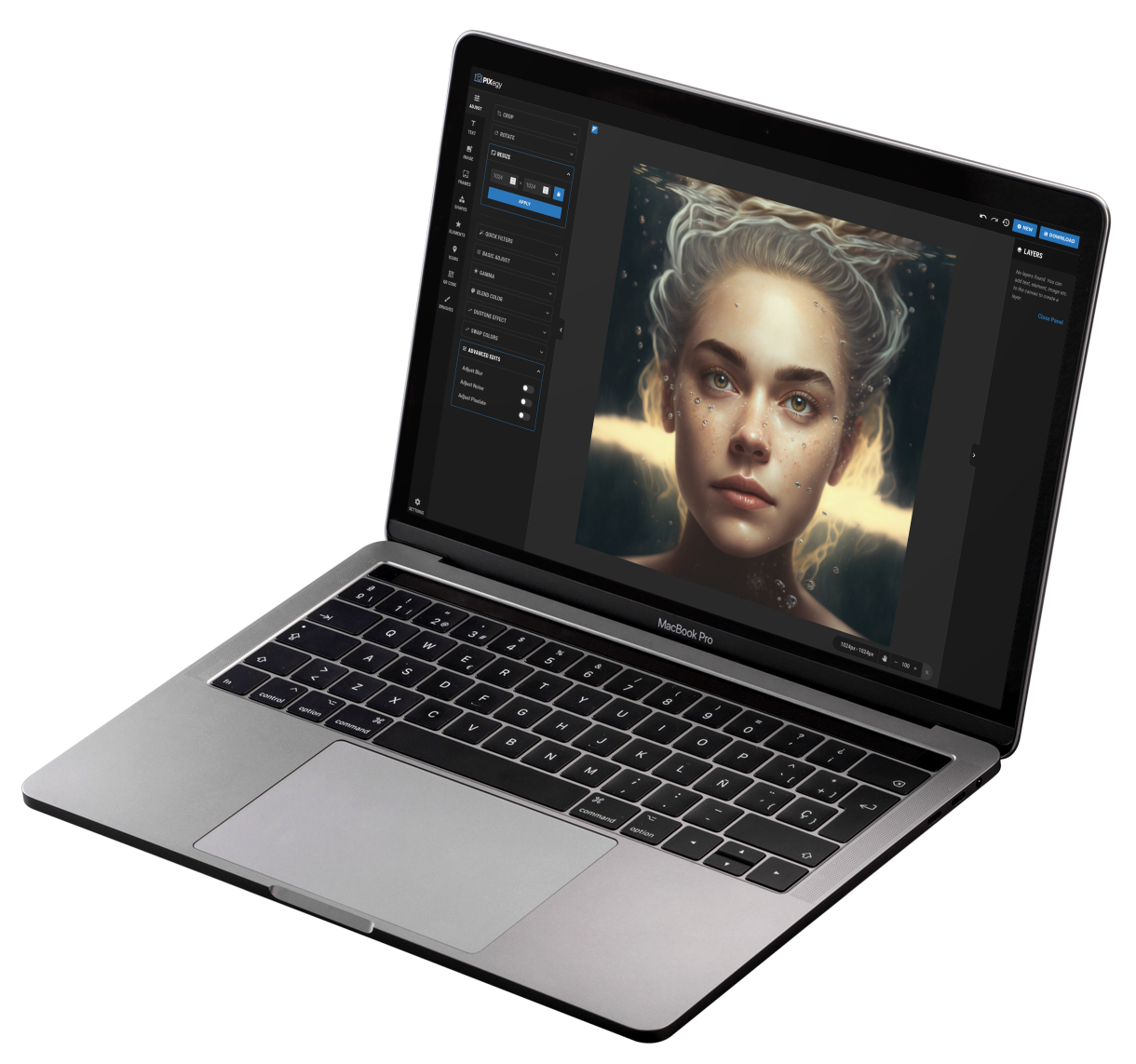
Launch it in your browser
No downloads, no installation and no complicated setup. Open Pixegy and start working.
Edit without the learning curve
Use familiar, straightforward tools for text, layers, resizing, effects, graphics and more.
Your editor goes with you
Because Pixegy runs online, your creative workspace is available wherever you have a compatible browser.
Image editing without the complicated software.
Pixegy brings everyday editing and creative tools together in one clean, browser-based workspace that is easy to understand and ready when you are.
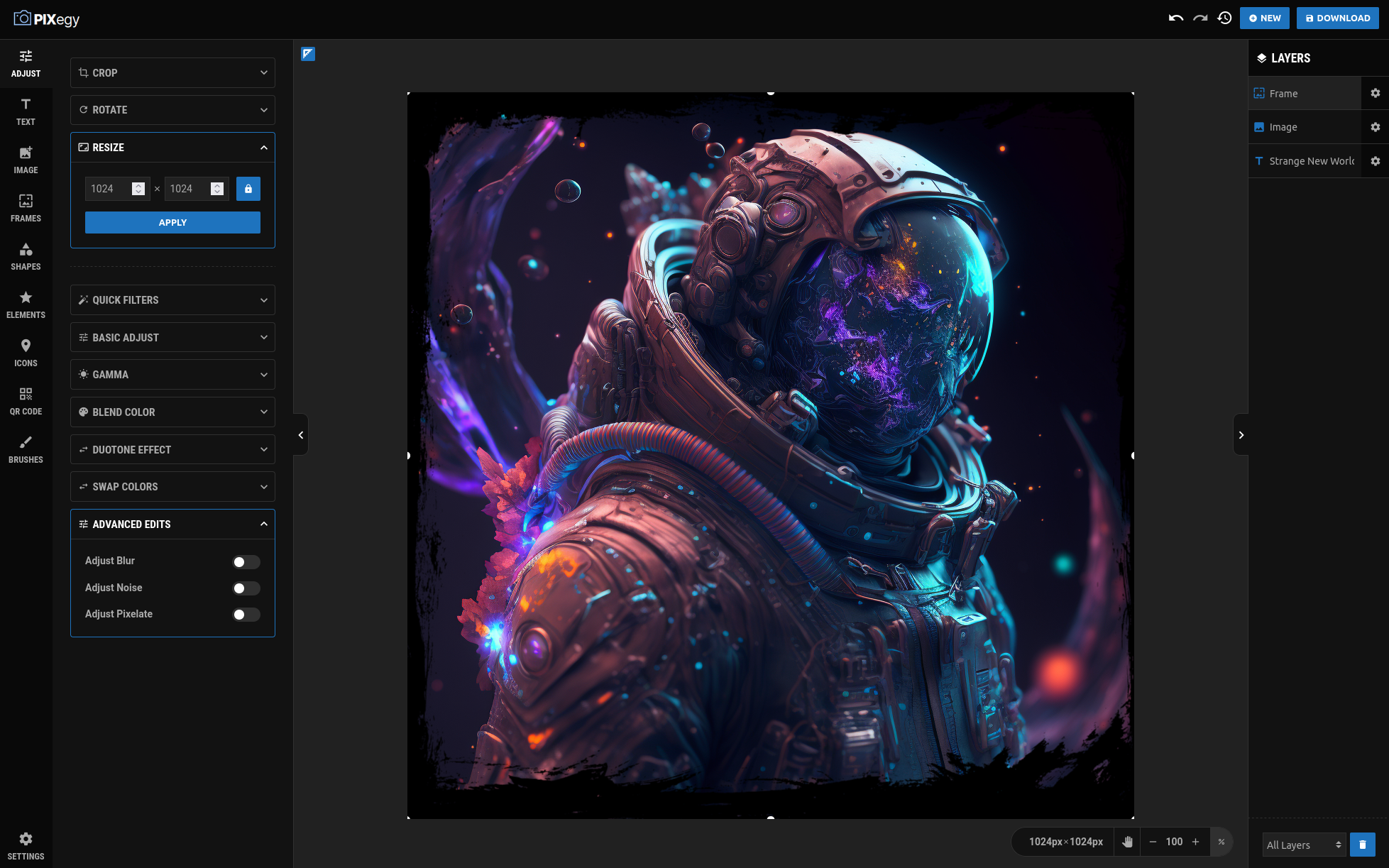
Edit images, work with layers, add text and design elements, and fine-tune the result without leaving your browser.
Powerful enough to be useful. Simple enough to enjoy.
Pixegy gives you the tools you expect from an image editor without burying them behind a complicated interface. Start with a photo, screenshot, graphic or blank canvas and make it your own.
- ✓Create new images or edit existing ones.
- ✓Crop, rotate and resize with control over your canvas.
- ✓Add text, graphics, shapes, icons and brushes.
- ✓Use layers to keep your design organized as it grows.
- ✓Apply filters, color effects and advanced edits when you want more control.
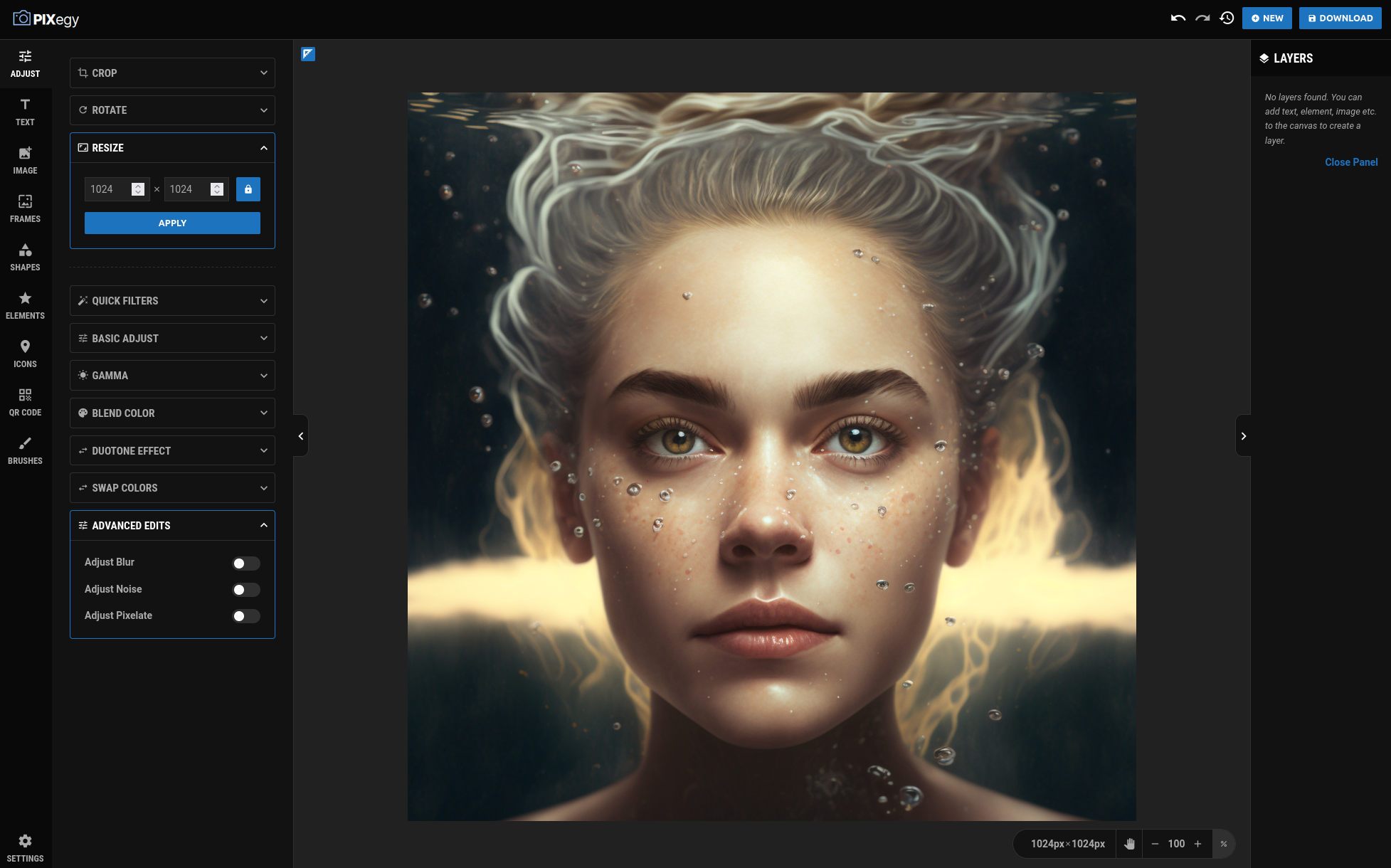
Expandable controls keep the workspace approachable while giving you room to polish the details.
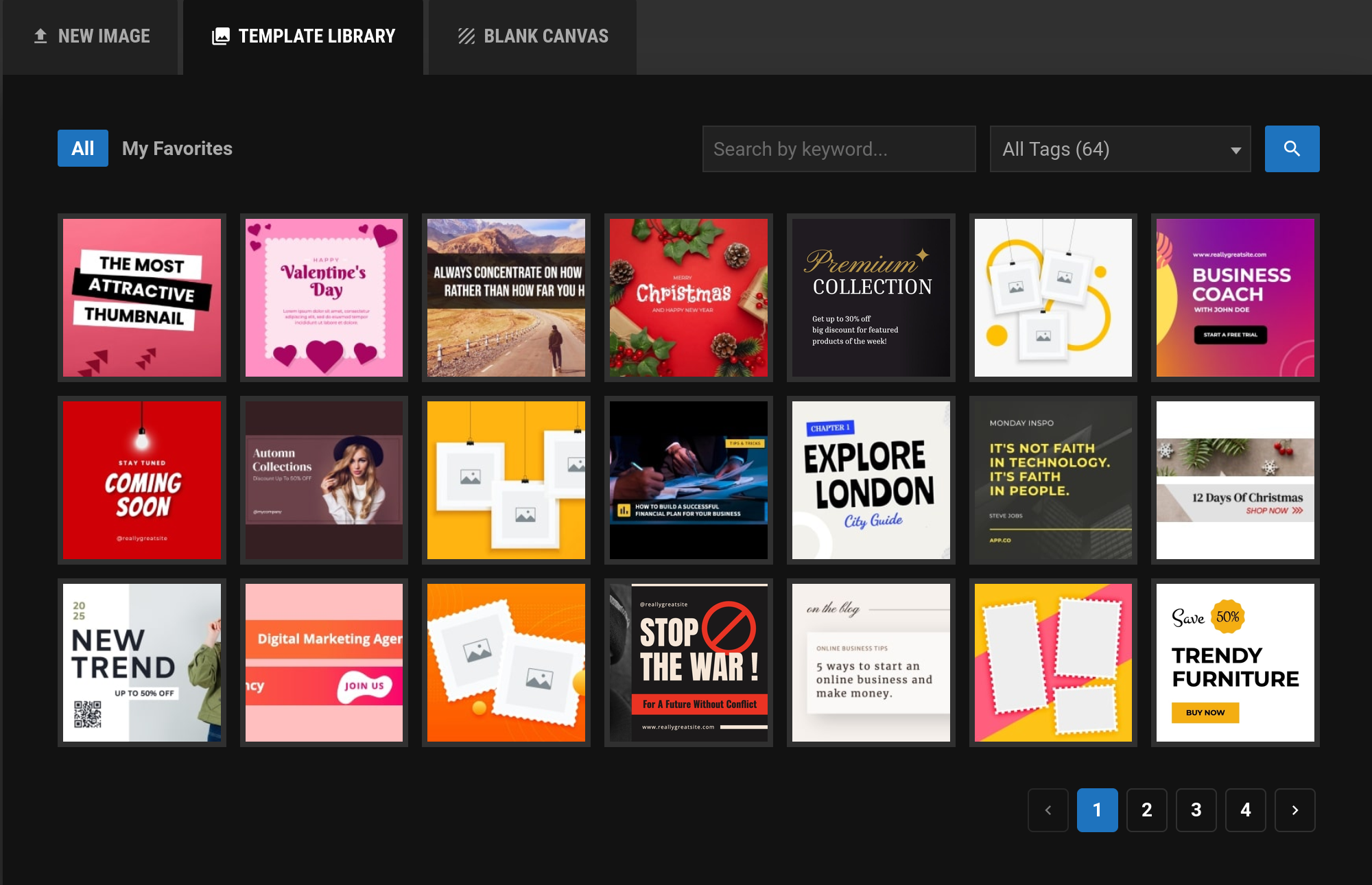
Search by keyword, browse tags and save favorites whenever you want a faster way to begin.
You don't have to start every design from a blank canvas.
When you want a head start, Pixegy includes a growing template library you can open, edit and personalize in your own way.
- ✓Social graphics, announcements and everyday designs.
- ✓Seasonal graphics, covers, promotions and personal projects.
- ✓Designs you can quickly customize with your own text and images.
- ✓Multiple styles to help you find a look that fits your idea.
- ✓Keyword search, tags and favorites to find designs faster.
Give every image a style of its own.
Use Pixegy's creative library to explore different looks, then customize the result with your own images, text, colors and edits.
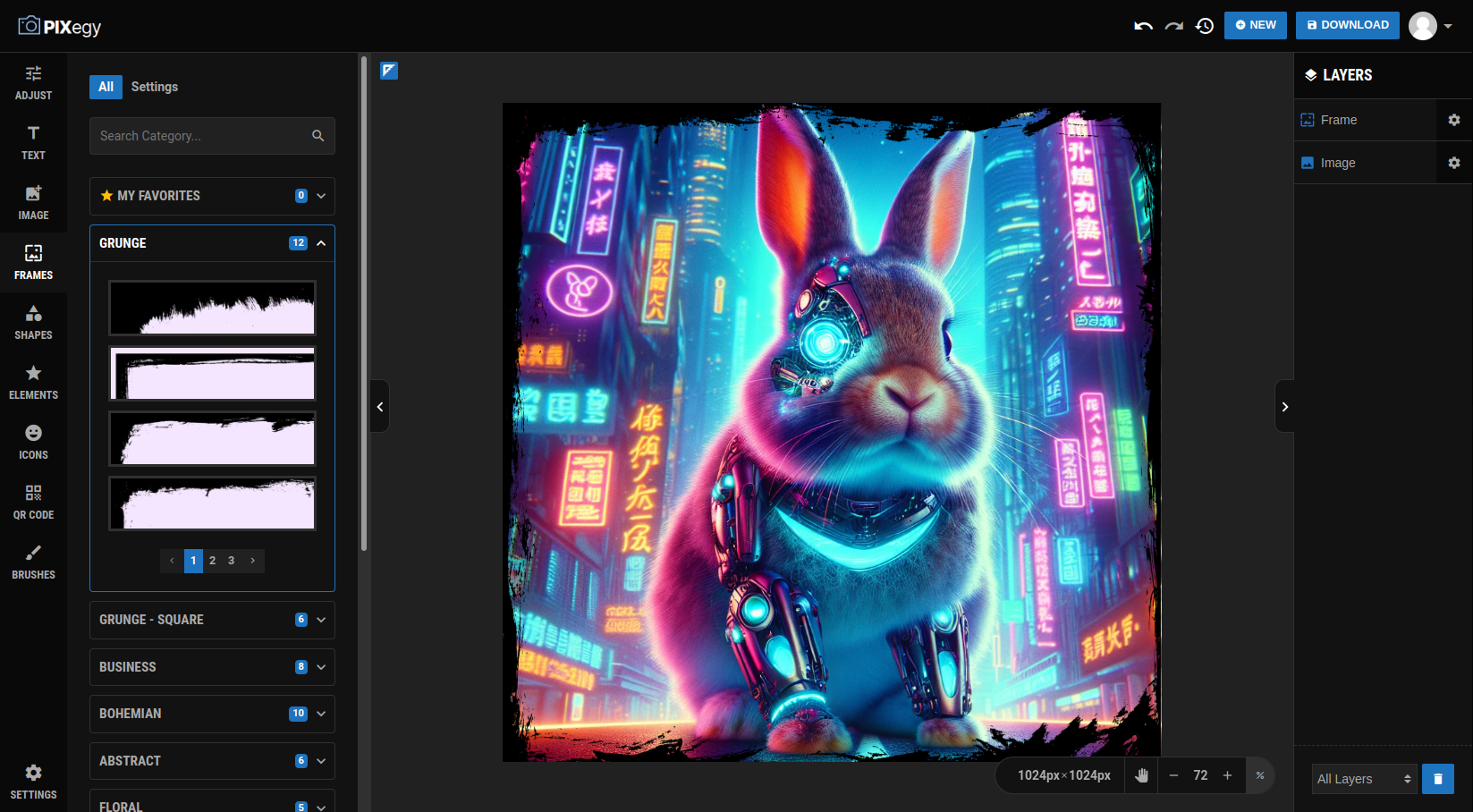
Browse categories such as Grunge, Business, Bohemian, Abstract and more, then apply the look you want.
Remove backgrounds with a click.
Want to isolate a person, object or subject from its background? Pixegy's AI-powered background removal handles the first step quickly so you can keep creating.
See the background disappear while the subject stays ready for your next design.
- ✓Isolate people, objects and subjects from busy backgrounds.
- ✓Place the cutout onto a new background or design.
- ✓Keep editing the result directly inside Pixegy.

The tools you need, without the clutter you don't.
From quick touch-ups to more creative edits, Pixegy keeps the most useful image-editing tools together in one approachable workspace.
Text tools
Add titles, captions, labels and other text directly to your designs.
Frames & effects
Add creative frames, filters and effects to give ordinary images more visual impact.
Shapes & elements
Build compositions with shapes and a built-in library of design resources.
Icons
Add visual cues and supporting graphics without leaving your editor.
Brushes
Draw directly on the canvas with available brushes, sizes and colors.
Layers
Keep your projects organized and make detailed designs easier to manage.
Filters & adjustments
Fine-tune the look with quick filters, basic adjustments, gamma and more.
QR codes
Add QR codes to graphics whenever you want to connect an image to a website or destination.
AI background removal
Quickly isolate subjects so you can place them into cleaner, more flexible designs.
Your image editor is already waiting in your browser.
No large download. No complicated installation. Just open Pixegy, bring in an image or start something new, and create at your own pace.
Simple answers before you get started.
Do I need to install anything?
No. Pixegy runs in your web browser, so there is no traditional desktop software to download and install.
Is Pixegy difficult to learn?
Pixegy is designed to keep common editing tools easy to find and understand. You can start with simple edits and use more advanced options only when you need them.
Can I edit my own images?
Yes. You can work with your own photos, screenshots and graphics, or start a new design and build it inside Pixegy.
What can I create with Pixegy?
You can create and edit social graphics, banners, announcements, thumbnails, covers, personal projects, business graphics and many other everyday visual designs.
Can I use Pixegy from different computers?
Because Pixegy is browser based, you are not tied to one installed desktop application. You can open it from a compatible browser whenever and wherever it is available to you.